In American workplaces, email etiquette shapes the first impression you make, often before you ever get on a call or walk into a meeting. Before anyone reads a single word you’ve written, they’ve already made a judgment call. One vague subject line, one greeting that misreads the relationship, or one tone that comes across as cold or careless, and your credibility takes a hit you didn’t see coming.
By the end of this lesson, you’ll have 15 concrete email etiquette rules to apply starting today, complete with subject line templates, greeting examples, and sign-off options for different professional situations. Professional email writing is one of the core skills covered in depth at Your Daily American, and this article gives you the practical foundation to start strong.
Subject line etiquette: the first thing your reader judges
Many American professionals receive dozens of emails per day, and high-volume inboxes are the norm rather than the exception. Your subject line gets a very brief window of attention before someone decides to open, skip, or delete. That’s the quick-scan test: can the recipient immediately understand the purpose and urgency of your email without opening it? If they can’t, your message sits unread for hours or disappears entirely.
What makes a subject line work in professional settings
Rule 1: Be specific. Vague subject lines signal unclear thinking. Compare “Question about the project” to “Approval needed: Q3 budget by Thursday.” The second one tells the reader exactly what the email is about and what action is required. That kind of clarity is a professional courtesy in high-volume inboxes.
Rule 2: Keep it under 8, 10 words for mobile readability. Most people check email on their phones, where long subject lines get cut off mid-sentence. Aim for something like “Follow-up: Proposal for Henderson Account” rather than a full sentence that trails off on a small screen. Research on subject-line performance consistently shows that short, specific lines outperform long, detailed ones, studies tracking open rates find that six to ten words tends to be the sweet spot in professional settings.
Subject line templates you can copy
These templates work across the most common professional email types. Fill in the brackets with your specifics and you’re ready to send:
- “Follow-up: Proposal for [Project Name], [Your Name]”
- “Request: Approval needed by [Date]”
- “Quick update on [Project], action needed”
- “Meeting follow-up: next steps from [Date]”
- “Introduction: [Your Name] and [Recipient’s Company]”
Rule 3: Avoid leaving the subject line blank, and steer clear of vague subjects like “Hello” or “Question.” This is one of the most common slips for ESL writers who are focused on getting the body right. A blank subject line reads as rushed or careless, and “Question” tells the reader nothing useful. If you’re asking for a review, say so. If you’re following up, say that instead.
For more subject-line inspiration and examples designed to boost open rates, check out OptinMonster’s 101 email subject lines.
Email etiquette: how to open an email without awkward guessing
Greetings cause more confusion for non-native English speakers than almost any other part of a professional email. Formality signals in American English aren’t always obvious, especially when you’re translating instincts from another language. The good news is that American professional greetings follow a clear and learnable pattern.
Matching your greeting to the relationship
Rule 4: Match your salutation to the relationship and context. There are three main tiers to know. For a client or first-time contact, use “Dear Ms. Rivera,” or “Hello Jordan,” depending on how formal the context is. For a manager or senior leader, “Hello [First Name],” or “Dear [Title Last Name],” both work well. For a peer or teammate, “Hi Alex,” is natural and appropriate.
A common ESL mistake is translating greetings from your first language into English. Phrases like “Esteemed colleague” or “Dear Sir/Madam” in an email to a teammate will read as stiff and distant in most American workplaces. Stick to the tiers above and you’ll land in the right register every time. If you want practical examples of salutations and when to use them, Indeed’s guide to greeting from email is a useful reference.
First-contact vs. ongoing communication
Rule 5: Be more formal on first contact; soften as the relationship develops. In your first email to a new client or colleague, “Dear Mr. Chen,” signals respect and professionalism. After a few exchanges, “Hi James,” becomes completely natural, and the shift is expected. You don’t need to stay formal forever, but let the relationship guide the transition rather than jumping straight to casual.
Rule 6: Always use the recipient’s name. “Hi there” reads as impersonal in most American professional contexts, and it can feel like a mass email even when it’s one-to-one. Taking a moment to include someone’s name makes the message feel intentional and respectful.
Tone, length, and the clarity your message needs
Calibrating tone is the hardest part of professional email for many ESL learners, because American workplace communication sits in a specific register: direct and warm. Not robotic. Not overly casual. There’s a balance to learn, and once you see it, it’s hard to unsee.
What “professional tone” actually sounds like in American email
Rule 7: Professional does not mean formal to the point of being cold. An email like “Per my previous message, please advise” is technically grammatical, but it reads as passive-aggressive to most American readers. Compare that to “Just following up on my last note, happy to answer any questions you have.” Same information, completely different reception. Match the level of polish to the relationship: client emails get careful, polished language; internal peer emails can be more conversational.
ESL writers often default to overly formal phrasing because it feels safer and more respectful. In many cultures, formality signals seriousness. In American professional communication, excessive formality can actually read as distant or even passive-aggressive, so warm and direct is almost always the better default.
Keeping it concise without sounding rude
Rule 8: Get to the point early, ideally within your first one or two sentences. Long preambles and over-explaining before the main point is a common pattern among ESL writers who are trying to be polite. In American professional culture, though, a lengthy opener reads as disorganized. Instead of “I hope this email finds you well. I was wondering if perhaps you might have had a chance to review the document I sent last week,” try “I wanted to follow up on the document I sent last Tuesday. Do you have any feedback, or is it ready to move forward?”
Rule 9: One main idea per email. If you have three unrelated requests, decide whether they belong in separate messages or need a clear numbered structure. An email asking for approval on a budget, feedback on a design, and a schedule for next week is hard to respond to and easy to half-answer. When you keep the focus tight, you get faster, cleaner responses.
Common tone mistakes to fix right now
A few patterns come up constantly with ESL writers, and all of them are easy to correct once you know what to look for. Excessive apologies are the most common: opening with “I’m so sorry to bother you” signals low confidence and doesn’t belong in professional email. “I wanted to follow up” does the same job without the self-deprecation. All-caps for emphasis is another one, it reads as shouting regardless of your intention, so use bold text or restructure the sentence instead. Finally, overly formal phrasing translated from another language, like “I humbly request”, comes across as stiff in American business email etiquette. “I’d like to request” or “Can you help with” works every time.
Response time expectations in American workplaces
Nobody puts these expectations in writing, which is exactly what makes them easy to violate. American workplace email has unwritten timing norms, and breaking them, even accidentally, signals that you’re not on top of things.
Rule 10: 24 hours is the floor for ordinary business email, not the ideal. For internal messages and peer-to-peer communication, same-day is the norm. For client-facing or urgent communication, four hours or under is the expectation in many industries. Sales inquiries often require responses within an hour. If you’re in customer support or account management, the bar is high: top-performing teams respond within one to two hours.
For published research and benchmarks on customer service response targets, see this summary of email response time standards.
Rule 11: If you need more time to respond fully, send a brief acknowledgment. “I received your message and will have a full response to you by Wednesday” is completely standard professional practice. It signals reliability and prevents the sender from wondering whether their email was lost. Two sentences is all it takes.
Rule 12: Set an out-of-office reply whenever you’ll be away for multiple business days or any time your absence might delay a response. Include who to contact in your absence and when you’ll return. Skipping this step is one of the most common and avoidable professional oversights.
Sign-offs, CC/BCC, and attachments: the details that matter
These finishing touches are where a lot of professionals lose points without realizing it. Each one is a small rule, but the cumulative effect on how polished you appear is real.
Closing lines and sign-offs that fit the context
Rule 13: Match your closing to the relationship, just like your greeting. For client or formal communication, use “Best regards,” “Sincerely,” or “Kind regards.” For general professional use, “Best regards,” or “Thank you,” both work well. For peer or internal email, “Thanks,” or “Best,” are natural. Avoid “Cheers,” in formal settings unless you’re certain the workplace culture welcomes it, and never leave a professional email with no sign-off at all.
The right way to use CC and BCC
Rule 14: CC is for people who need to be informed but are not expected to act. BCC is for protecting recipient privacy or avoiding a reply-all chain. The “To” field is for anyone you need something from. Keep this distinction consistent and your email threads will stay clean and professional. One pattern to avoid entirely: CC-ing a manager on a message to a colleague to pressure them into responding. In American work culture, this reads as passive-aggressive and damages trust quickly.
On reply-all: use it only when every person on the original thread genuinely needs to see your response. If you’re thanking one person, replying only to them is the right move. Unnecessary reply-all messages are one of the fastest ways to quietly irritate your entire team.
Attachment etiquette and the forgotten-file mistake
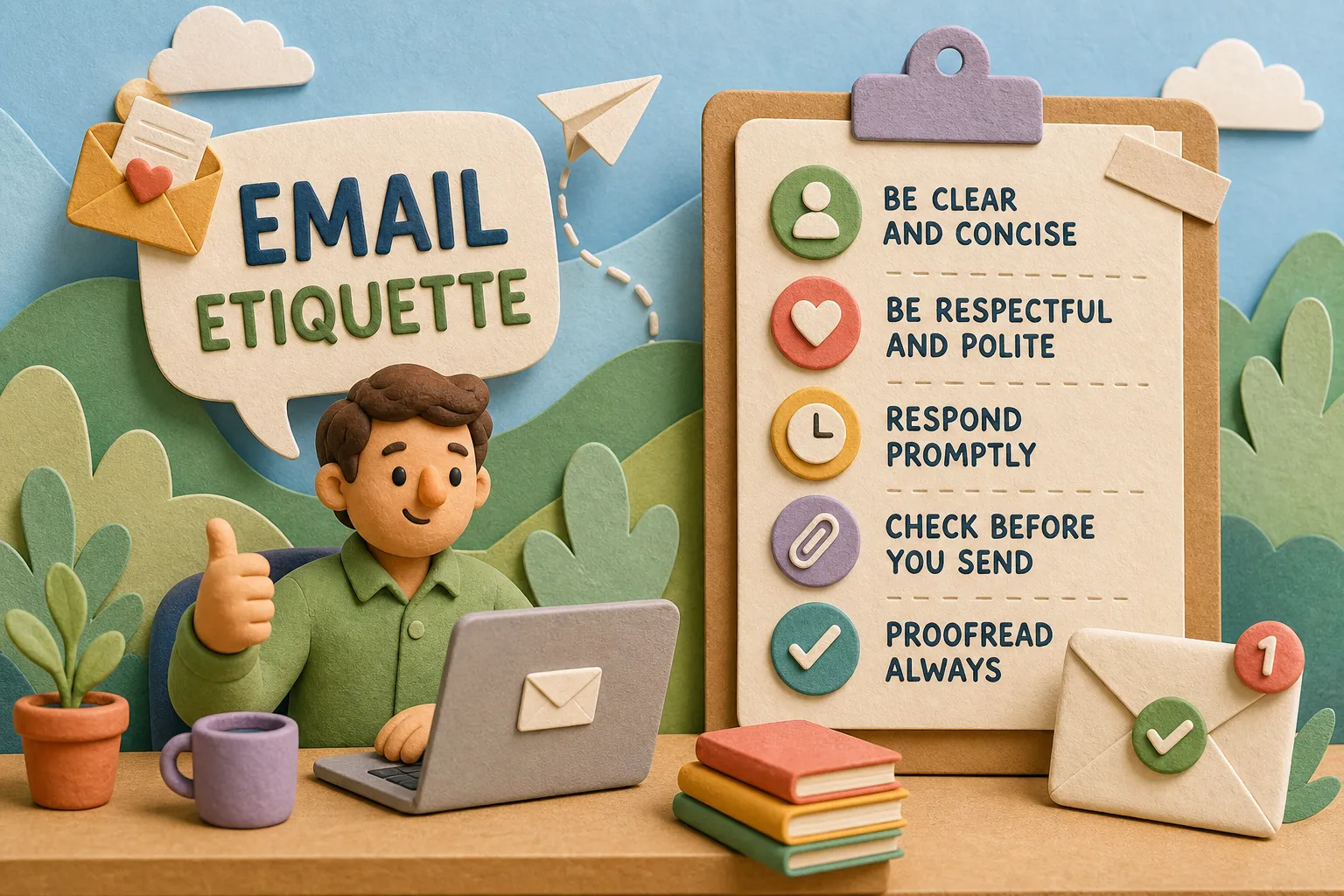
Rule 15: Mention the attachment in the body of your email before you send it. “I’ve attached the updated report below” is all you need. This signals to the reader to look for the file and confirms in your own mind that the attachment is actually there. Forgotten attachments rank among the most common follow-up triggers in professional email, and they’re entirely avoidable. Before you hit send, take five seconds to confirm the file is attached, the recipient is correct, and the subject line is specific. That’s the whole checklist.
Common email etiquette mistakes and how to avoid them
Even experienced professionals slip on a few recurring email formatting tips and business email etiquette basics. Here’s a quick reference for the most frequent ones:
Skipping the subject line or going too vague. As covered in Rule 3, a blank or generic subject line undermines your professionalism before the email is even opened. Always lead with something specific and actionable.
Burying the main point. Following email best practices means respecting your reader’s time. If your key request or update appears in paragraph three, there’s a good chance it gets missed. Lead with it.
Misusing Reply All. This one costs goodwill fast. Default to replying only to the sender unless the full thread genuinely needs your response.
Tone that doesn’t match the context. Applying formal language to a quick internal update, or casual language to a client-facing message, signals a mismatch in situational awareness. The email writing rules in this article give you the framework to calibrate correctly every time. For a broader overview of general email etiquette best practices, see Proton’s email etiquette guide.
Start applying this today
Good email etiquette comes down to one thing: respecting your reader’s time and communicating clearly in the context they’re operating in. These 15 rules give you a strong, practical foundation for professional email writing in any American workplace setting, whether you’re corresponding with clients, managers, or colleagues.
Here’s your practice prompt: pick one email you need to write this week and apply at least five of these rules before you send it. Check the subject line, the greeting, the tone, and the sign-off. Then read it once more from the recipient’s perspective and ask yourself if it’s clear what you’re asking or telling them.
If you want to go deeper on professional communication, including meeting language, workplace phrases, and email templates for specific situations, Professional English, Your Daily American and the guides Professional English for the Modern Workplace and How to Write a Professional Email in American English, Your Daily American walk you through exactly how American workplace communication works, from emails to presentations to small talk at the office. Professional email etiquette is a learnable skill, and every message you write is another rep. The more intentionally you practice, the more natural it becomes.